Level Ex
UI Designer
May 2021 - November 2022
At Level Ex, I worked as a UI Designer on the Virtual Technique Guide, a gamified digital guide for medical equipment and procedures. My work covered UI design and Unity implementation, motion design, animation implementation, Shader Graph VFX, and supporting UI art. I also became the primary UI owner for the VTG package, building its interface from the ground up and documenting the system so other developers could create new guides efficiently.
Since I left the company, Level Ex has rebranded as “Relevate Health Games”.
Warning!
Some of the products I worked on at Level Ex have to do with medical surgery and show graphic imagery. If you are squeamish, please don’t scroll any further and check out some of my other projects instead!
Virtual Technique Guide / “Plasma” UI Style
Virtual Technique Guides (VTG) were gamified “How-To” guides for various medical procedures and equipment. We wanted all VTGs to be build from the same base so my role was building and managing the UI package that all VTGs inherited. VTGs could be played on mobile, PC, and web browsers.
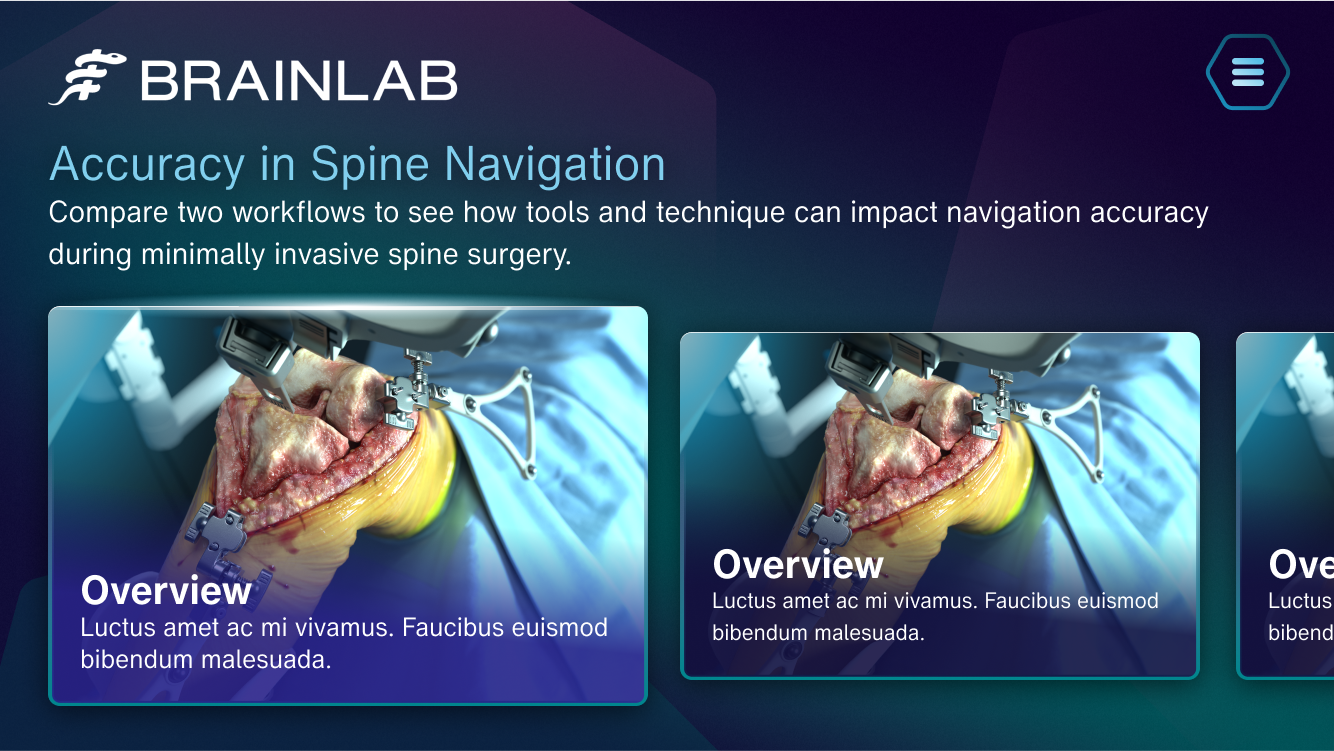
Plasma Style | Main Menu Visual Target
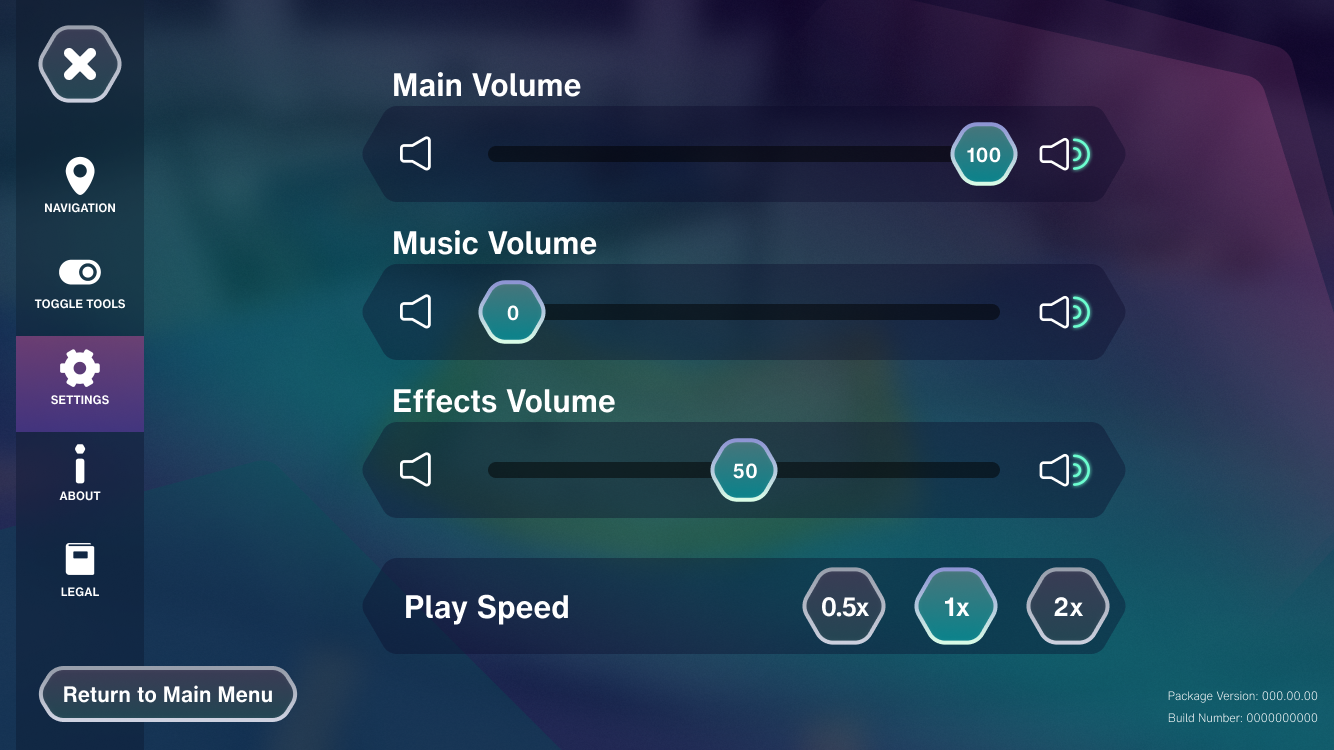
Plasma Style | Settings Visual Target

Plasma Style | Button Styles
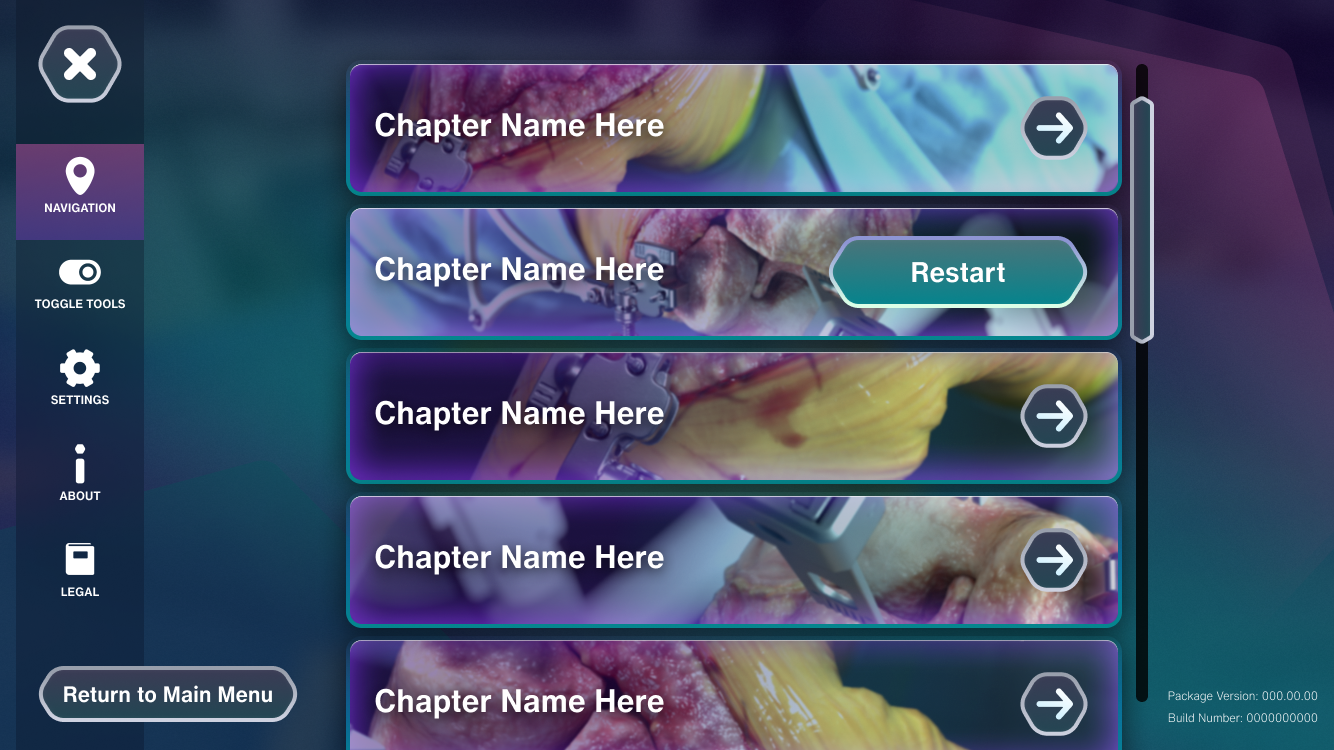
Plasma Style | Navigation Visual Target
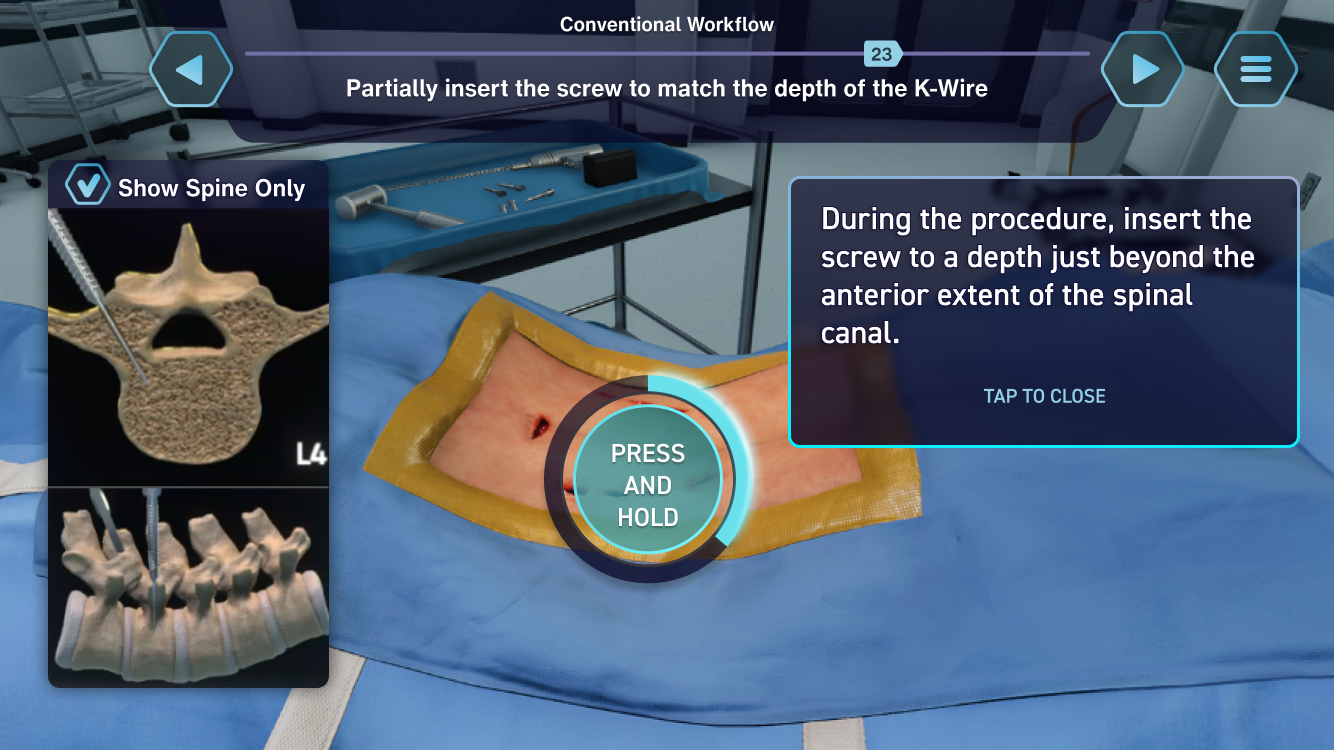
Plasma Style | HUD Visual Target
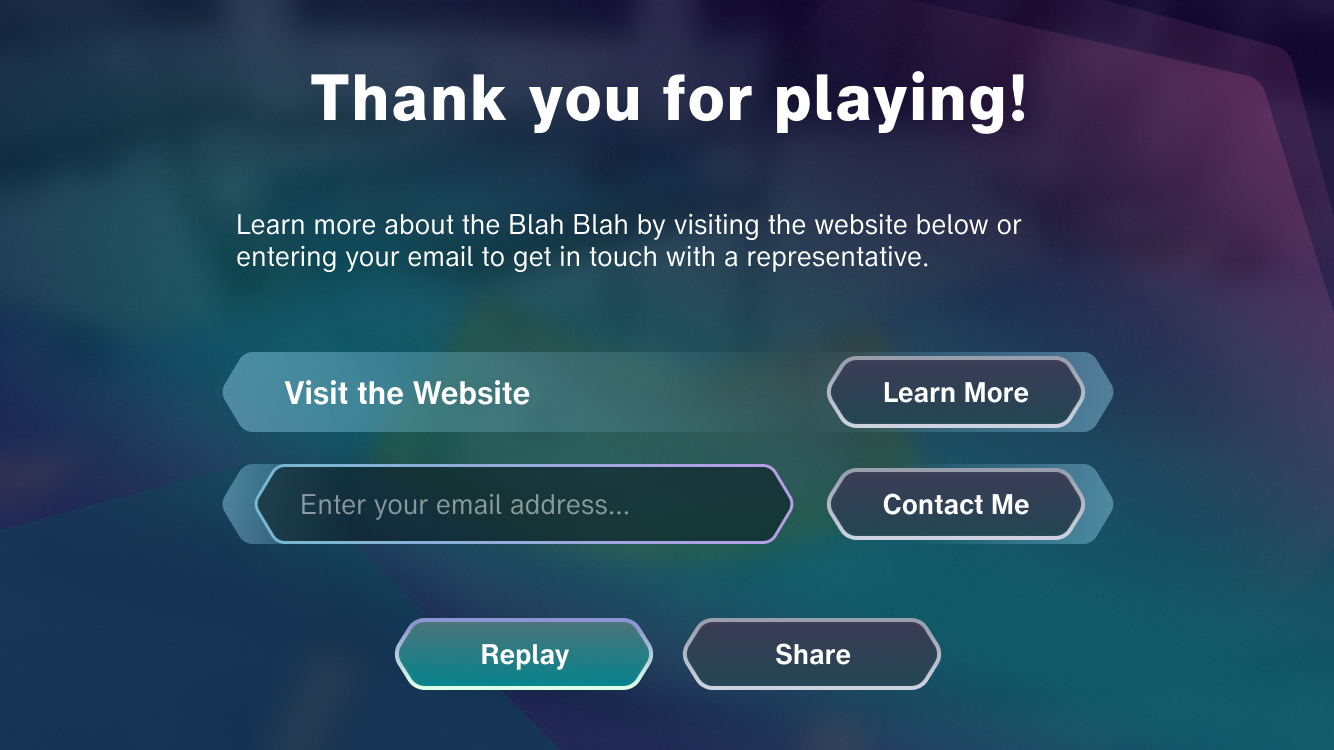
Plasma Style | Marketing End Screen
VFX and UI Animations
November 17, 2022 | Chapter Complete Animation
August 26, 2022 | Lung DNA Health Bar
October 25, 2022 | Chapter Select
December 15, 2021 | VTG UI Walkthrough
Documentation
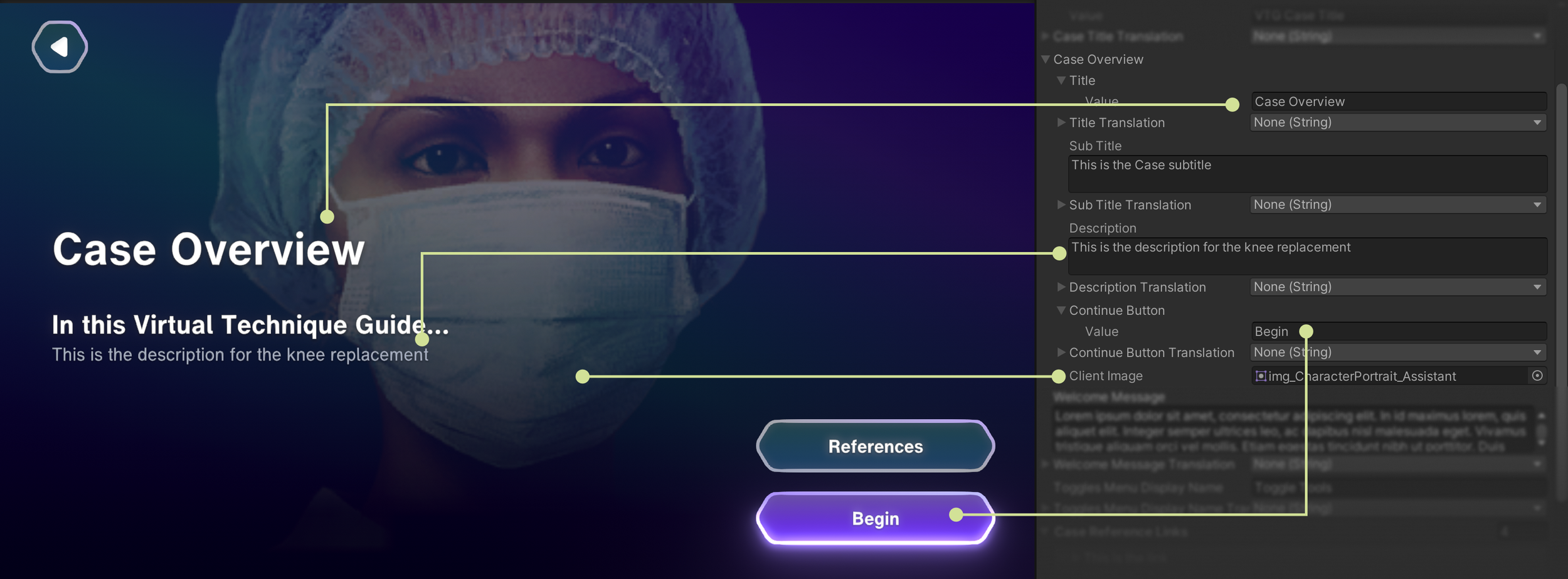
Since the VTG Package was meant to be used by other developers, I wanted to make sure there was extensive documentation on working with the UI Package as well as guidelines on how to build a VTG. This is just a small collection of imagery I made for my documents. After leaving, I was told that my documentation was very useful in teaching others how to do the role I left.
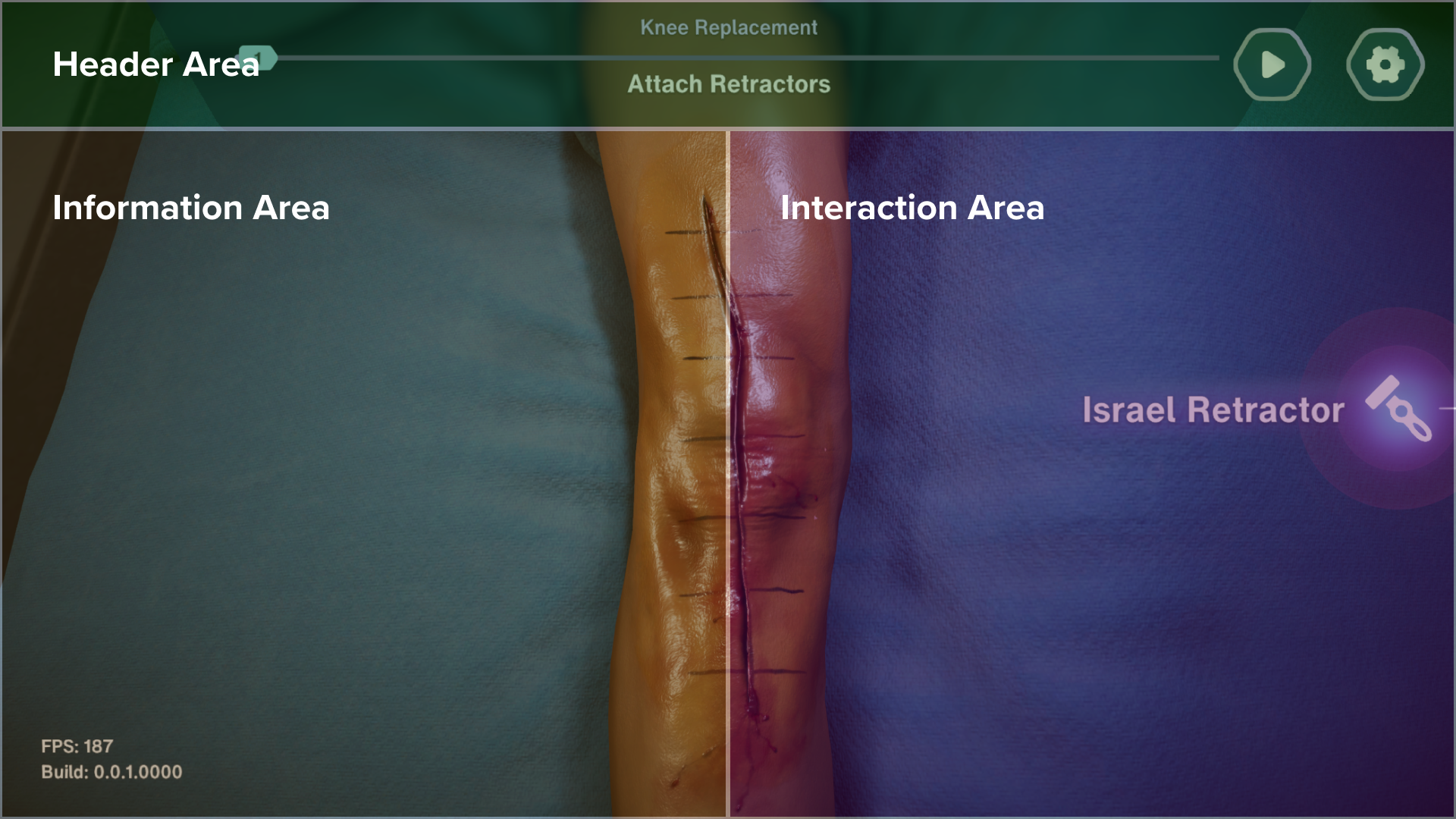
Explainer on the different areas of the HUD
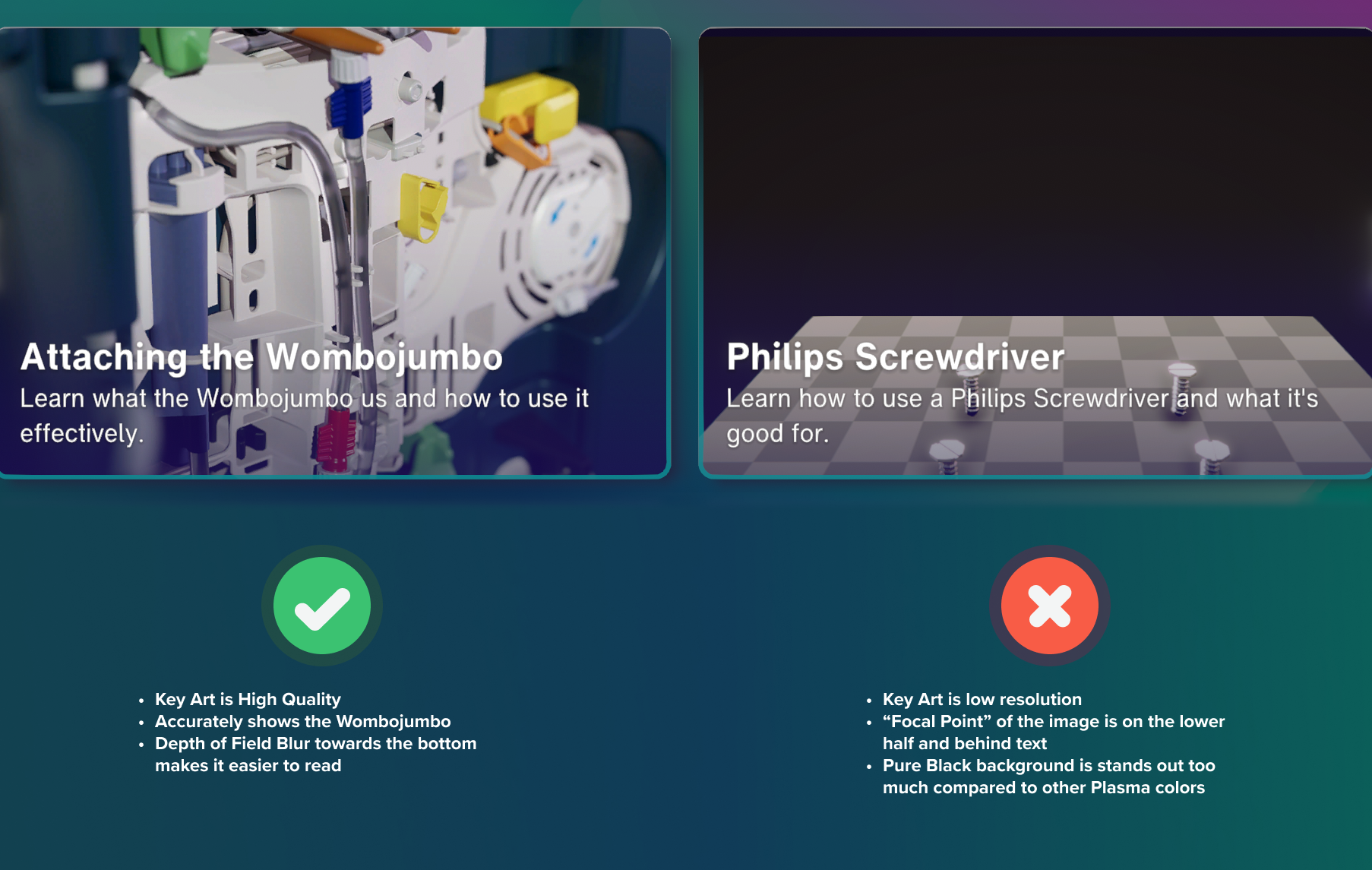
Reference for good and bad chapter key art
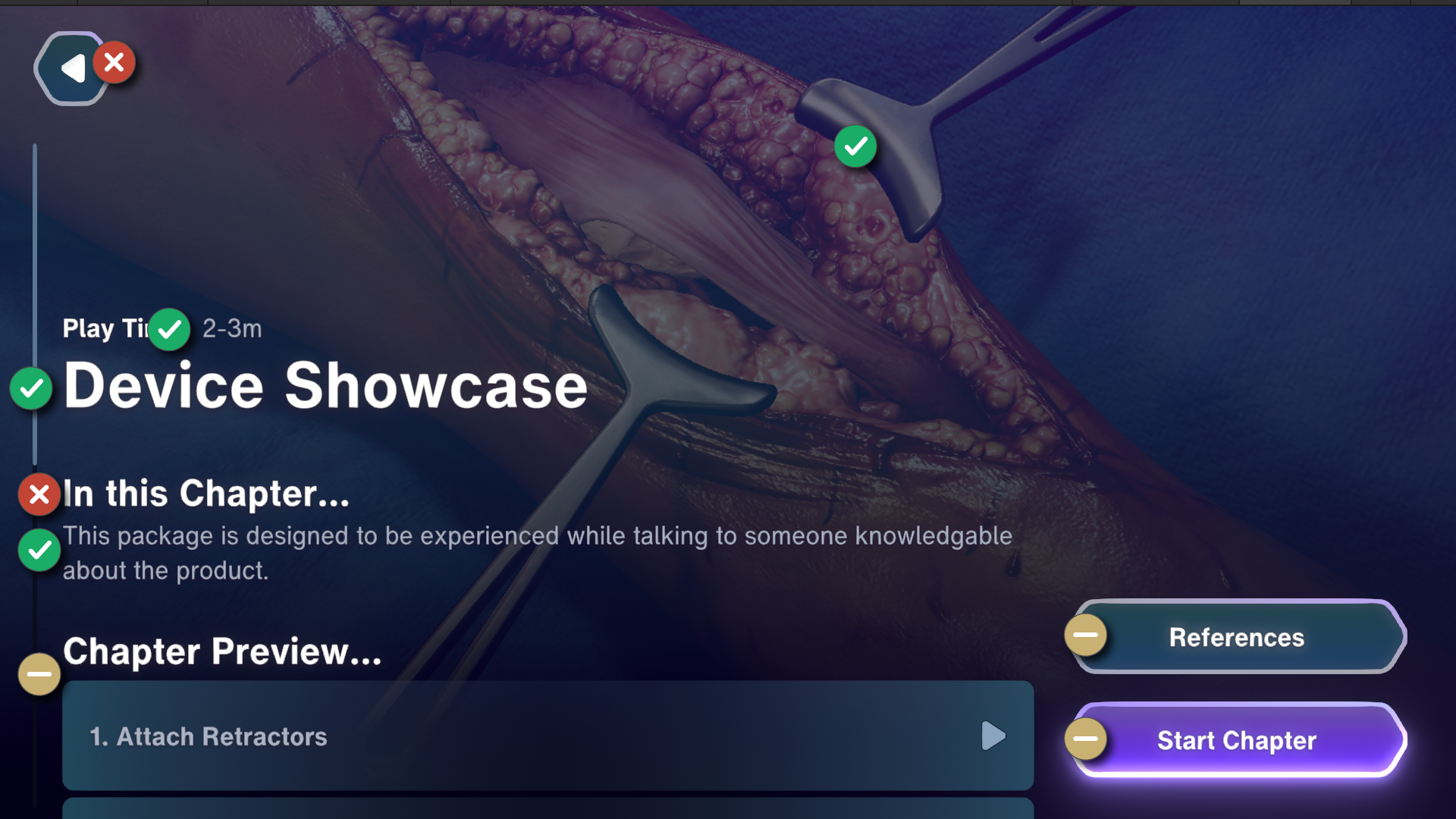
Explainer on what can and cannot be changed in the UI
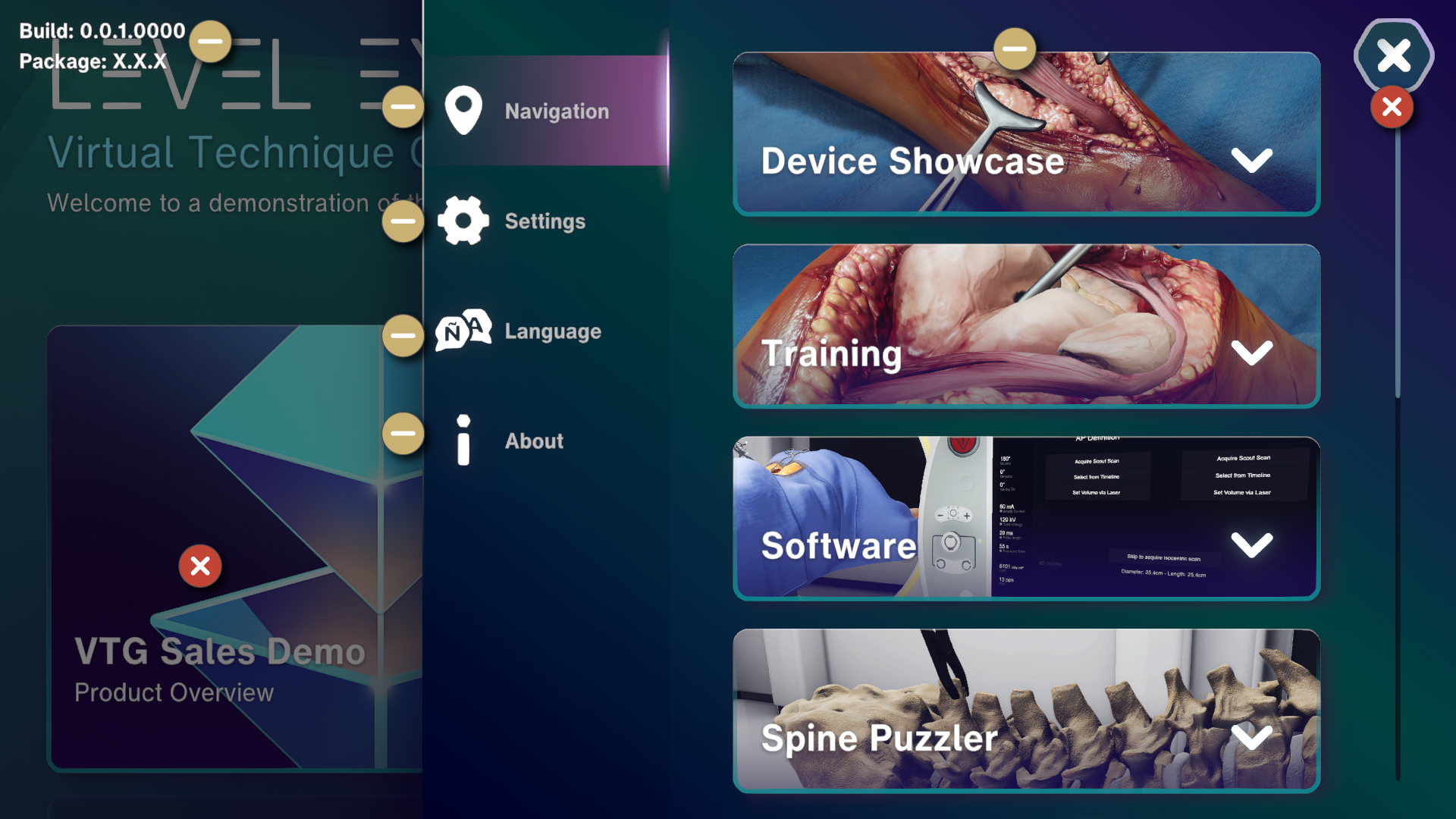
Explainer what can be toggled inside the settings menu