Reworld
Designer
20 Week Contract
At Reworld, I worked as a Designer on a player-facing building system that allowed people to create a wide variety of objects and experiences. I used my game design background to establish the system’s core framework and designed modular parts such as spotlights, wheels, buttons, and ropes. I also created modifiers—including bounciness, gravity, weight, and explosions—along with settings that let players fine-tune their behavior. The work focused on systems design, usability, and giving players flexible creative tools without making them difficult to understand.
Video Overview
Build System
A lot of my day-to-day at Reworld involved thinking about UX and systems. One of the things I designed was a novel building system to hopefully give the players more control over their creations than Minecraft while being more accessible than Roblox building. The idea was that you would have things you could add to a creation.
Basic Shapes: The simplest form of block. Standard cubes, pyramids, or spheres.
Parts: A more complex block you could put on a creation. These would have some unique but simple functionality. There would be no parameters for the player to modify on parts. This included things like chairs, spot lights, wheels, buttons, and ropes to name a few.
Mods: A Mod is a modifier that you apply to your entire creation with special parameters the player could tweak to give it a specific function they have in their head. This included things like Bounciness, Weight/Gravity, Automatic Spin, or Explosion.
Below is a couple videos of the build system in action. These videos were made by the Reworld team after I left the company so props to them! Everything is looking great!
UX Wireframes
I also spent some time doing a bit of low-fidelity wireframes for some of the build systems. The goal of these wireframes was to give more information to the devs in China so they could build something for us to test. These are not pretty but they get the idea across.
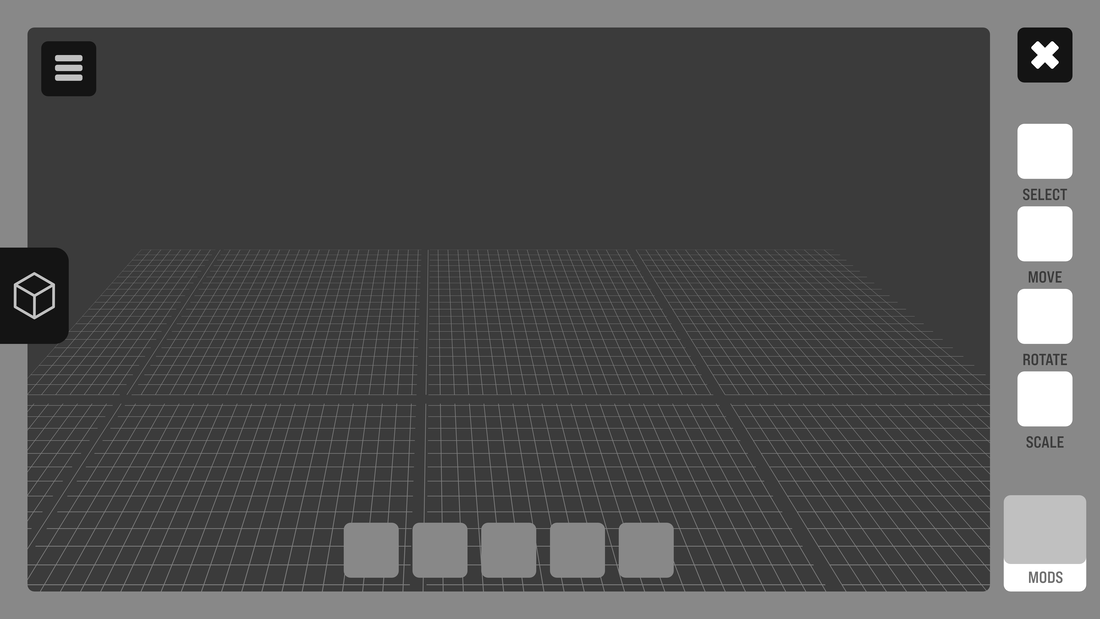
Build HUD | Building an Object
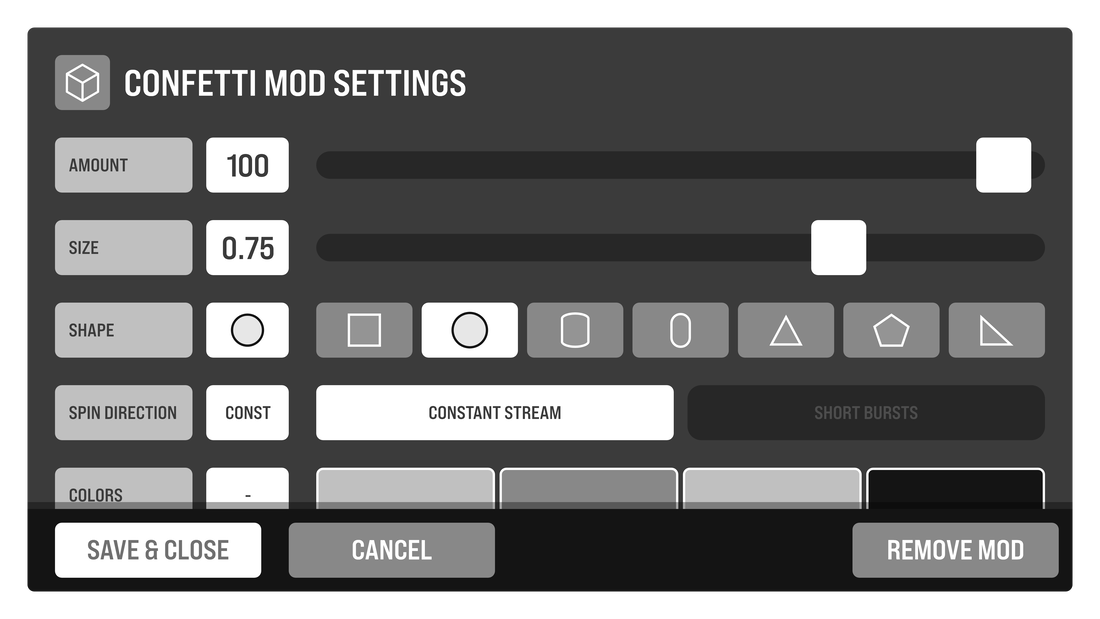
Build Tool | Mod Settings
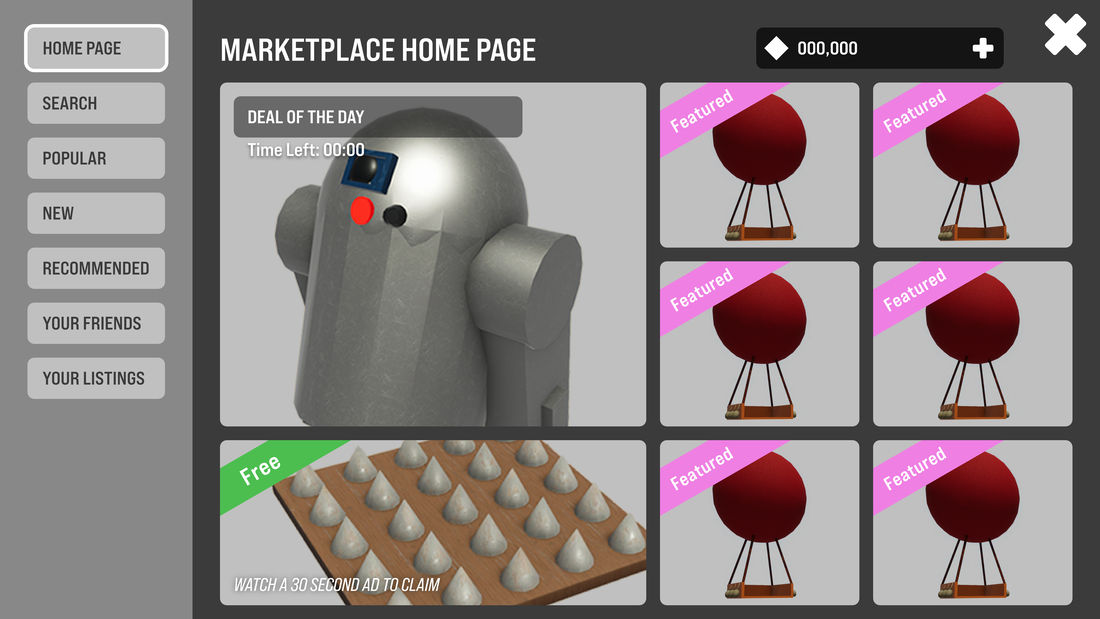
Store Page | Home Screen
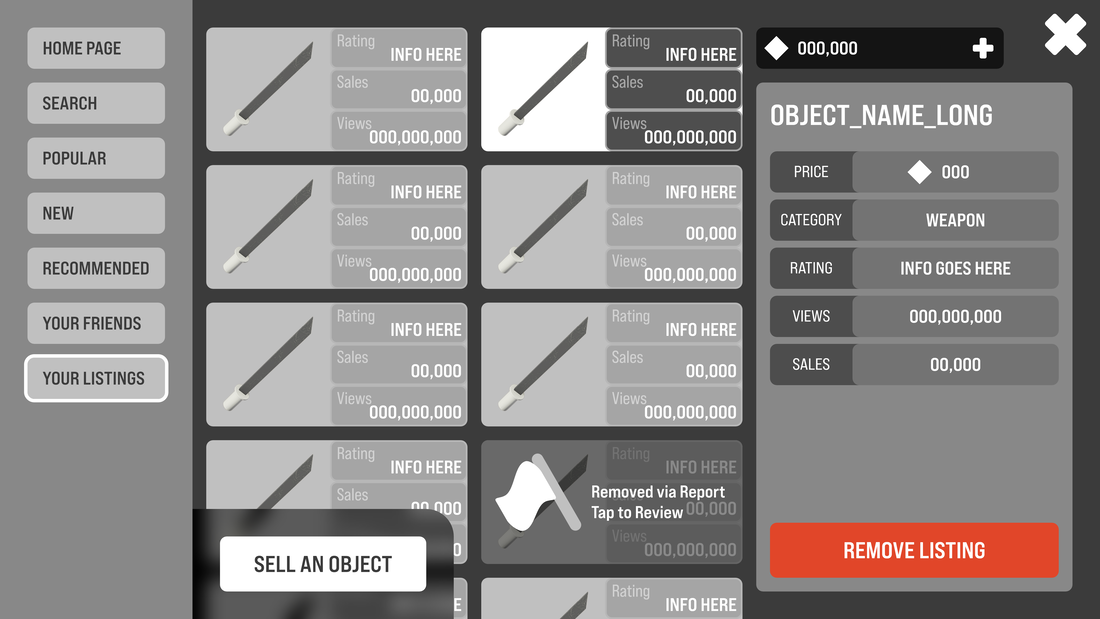
Store | Your Listings
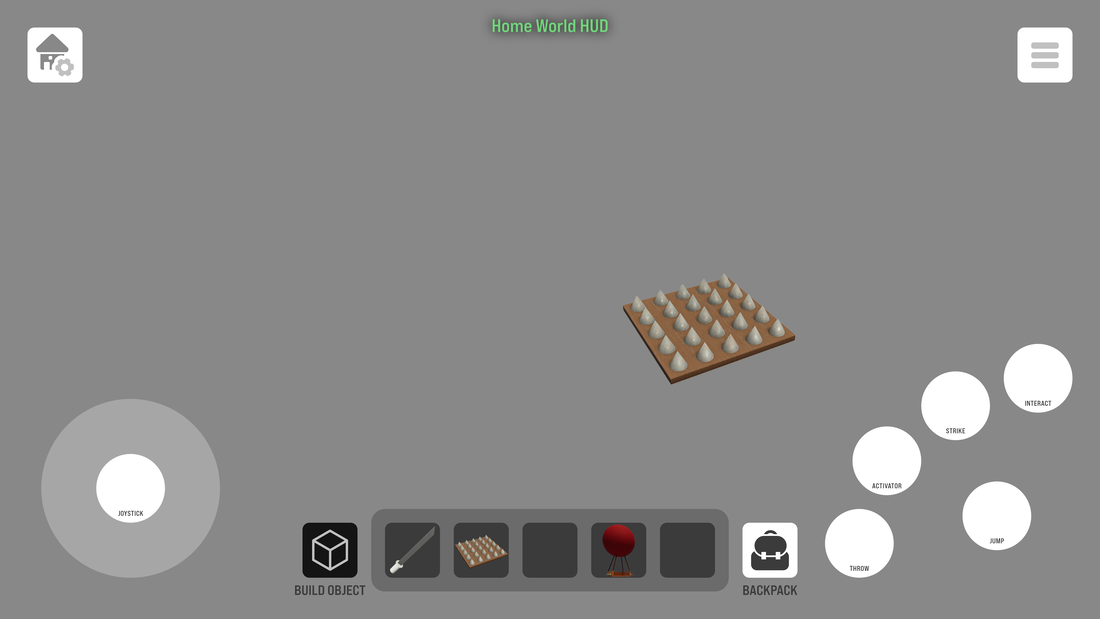
Build HUD | Basic Wireframe
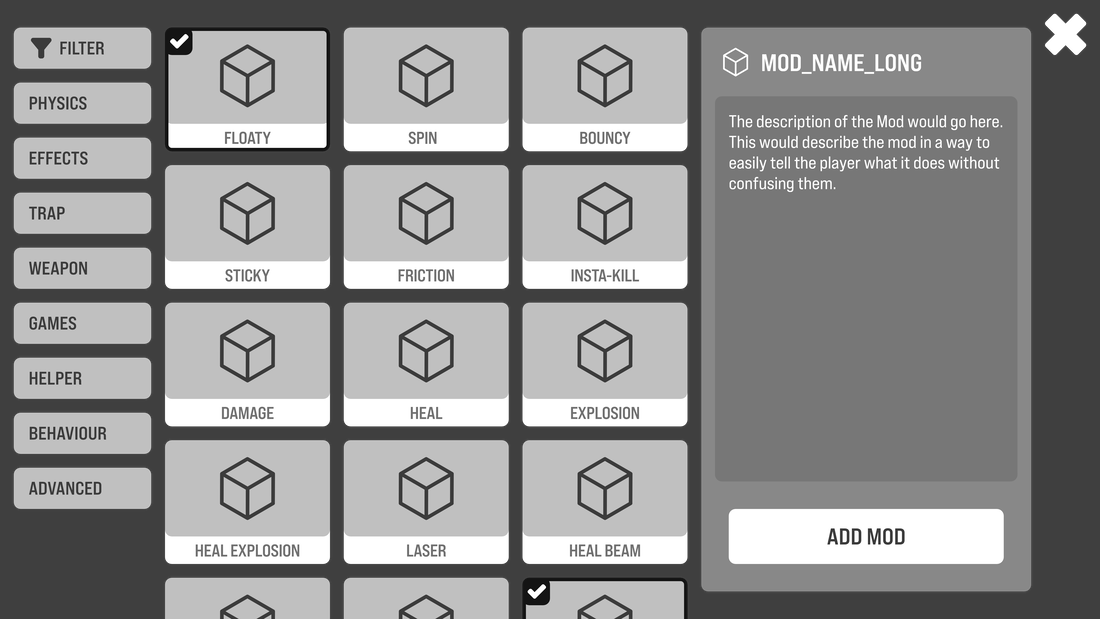
Build Tool | Adding Mods to your Object
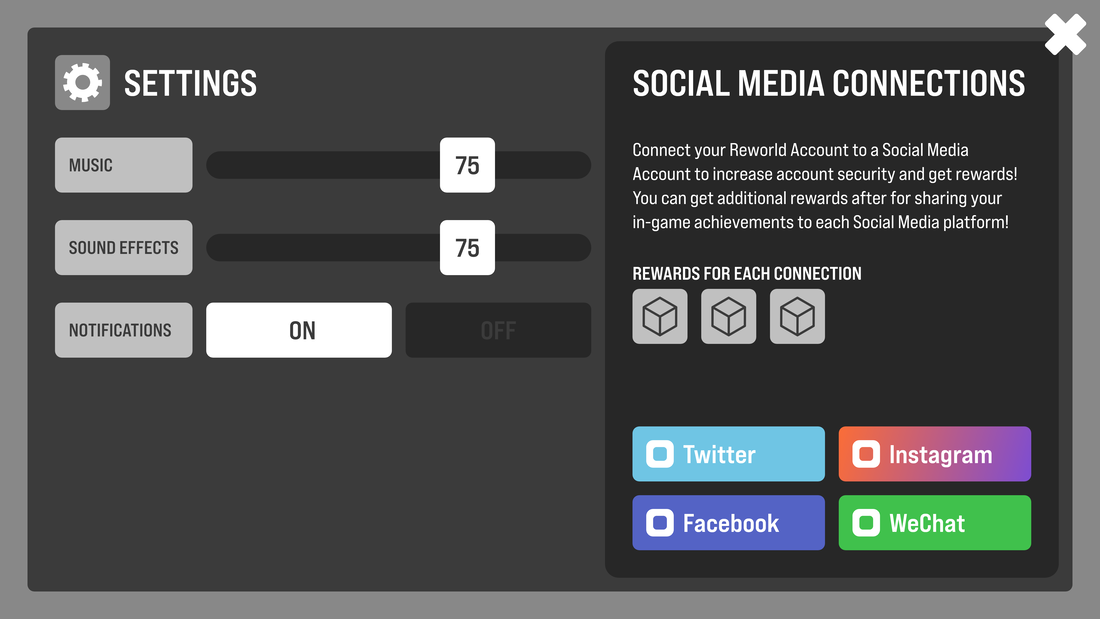
Settings Menu Wireframe
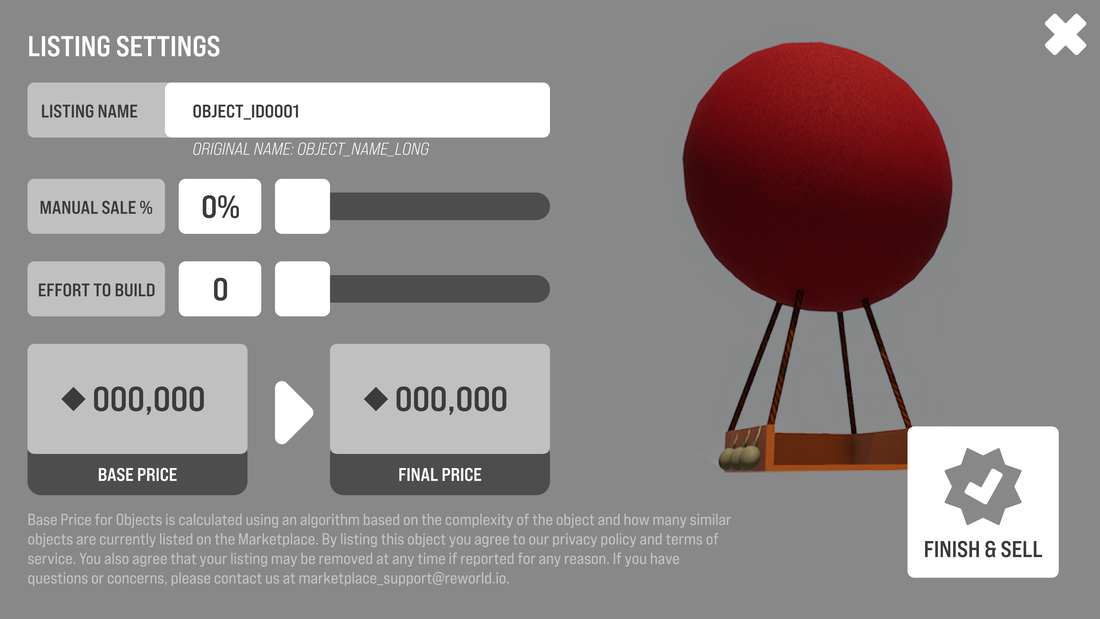
Store | Selling your Object
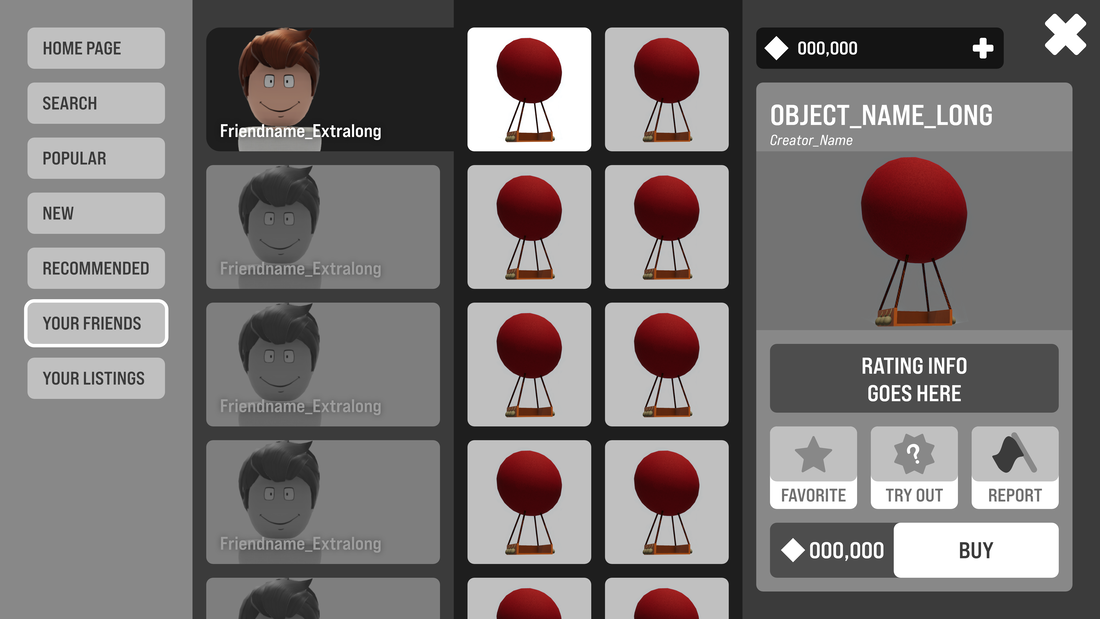
Store | Your Friend’s Listings